Lunch out
One photo and your meal is ready to review.
Snap a photo of your meal, and unlock its full nutritional story instantly. Backed by smart AI, we identify ingredients, highlight potential health concerns and give you tailored tips to make eating well easier. Dine with peace of mind, live more vibrantly and savor life's moments.


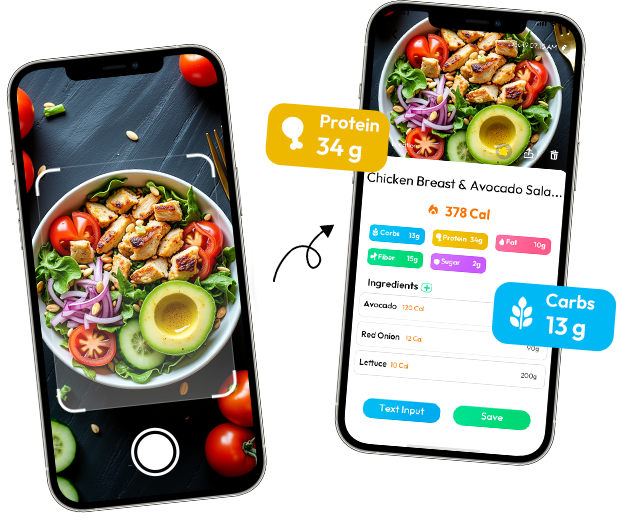
FROM PHOTO TO FOOD LOG
A photo gives you a useful starting estimate. Review portions, sauces, and ingredients before saving.
Skip the manual search. Snap a meal and review estimated calories and nutrition in a few simple steps.
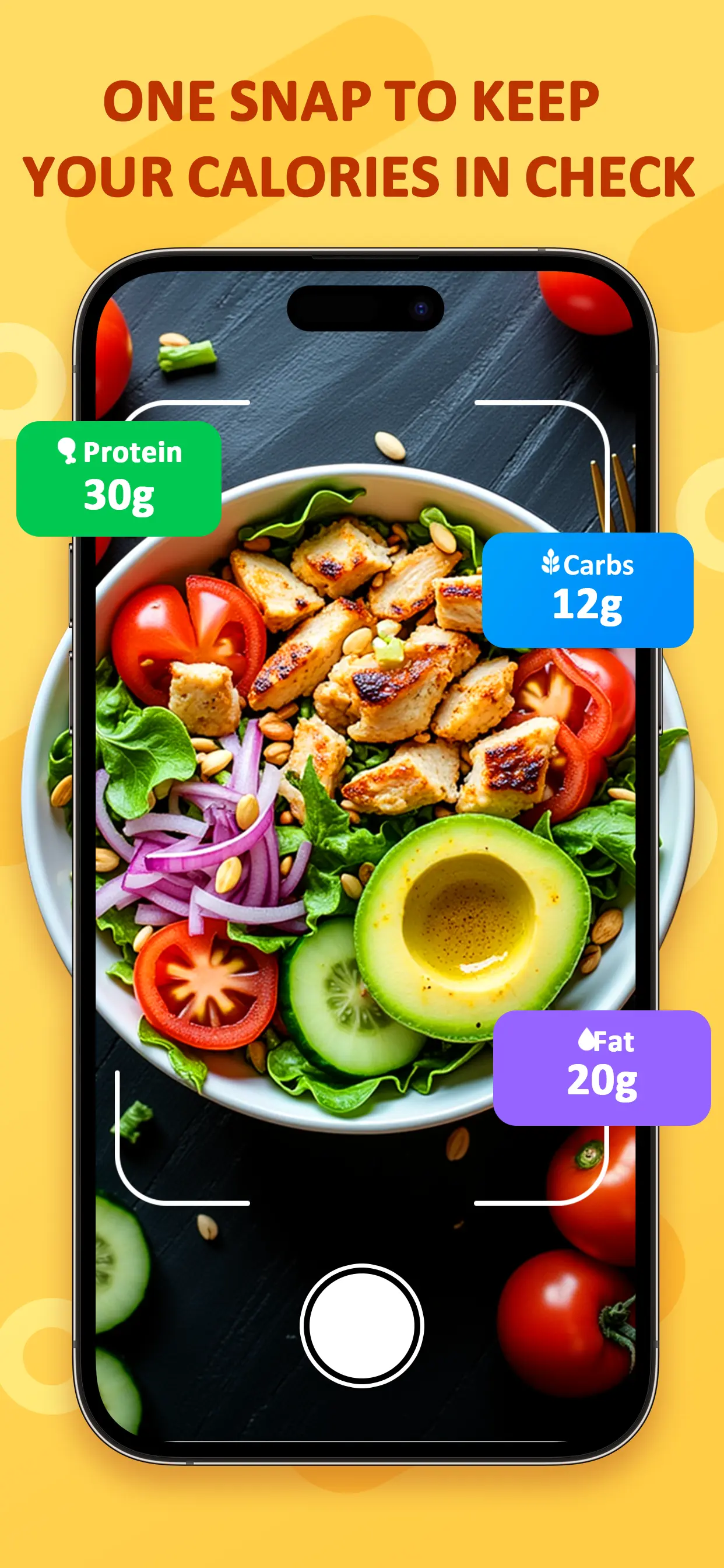
Start with a clear photo of your meal.
WHAT YOU GET AFTER THE PHOTO
Food AI turns the visible parts of a meal into a calorie and nutrition estimate. Check the portion, sauces, and ingredients, then keep the result with your daily food log.
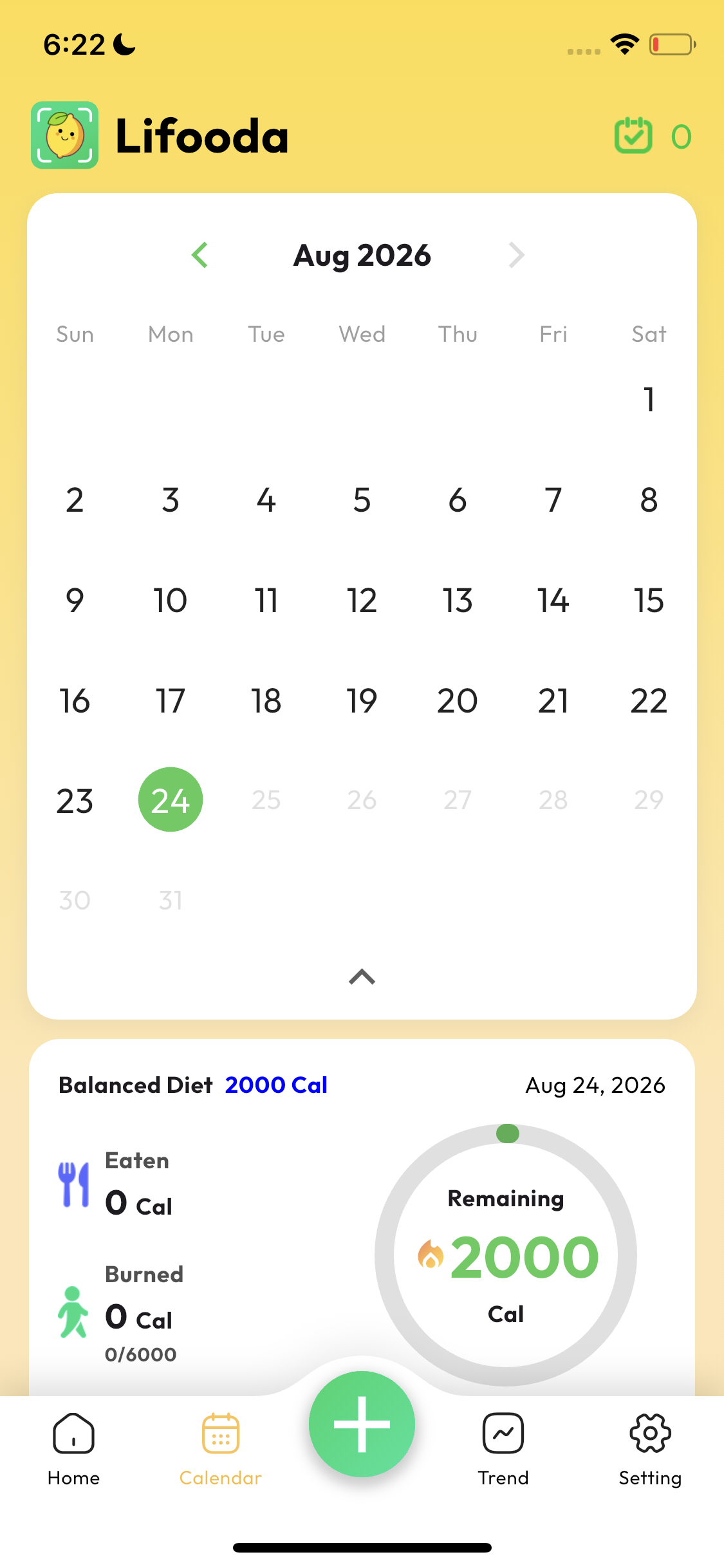
From a quick meal scan to daily tracking, Food AI helps keep your nutrition information in one place.
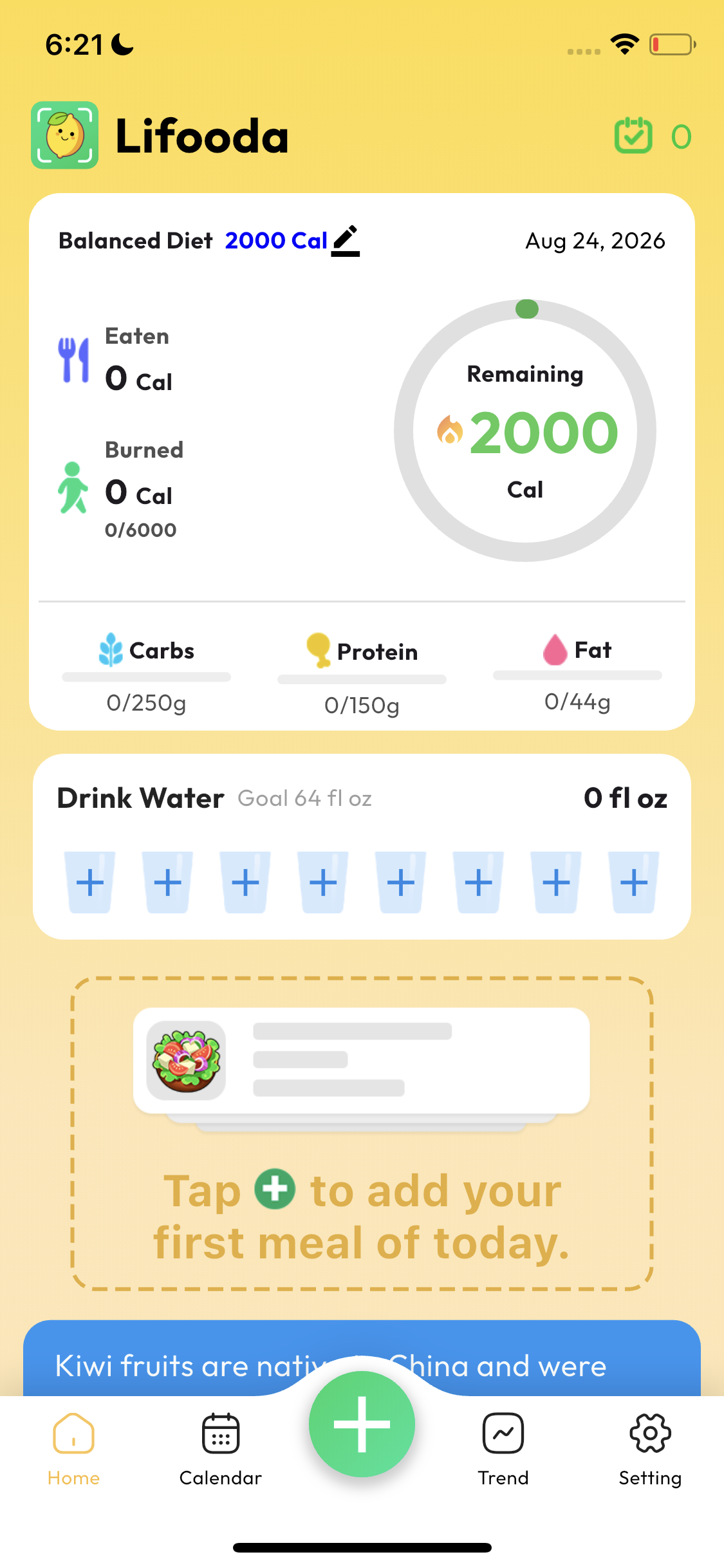
Use the Food AI camera flow to start from a meal photo.
See calories, macros and meal information together.
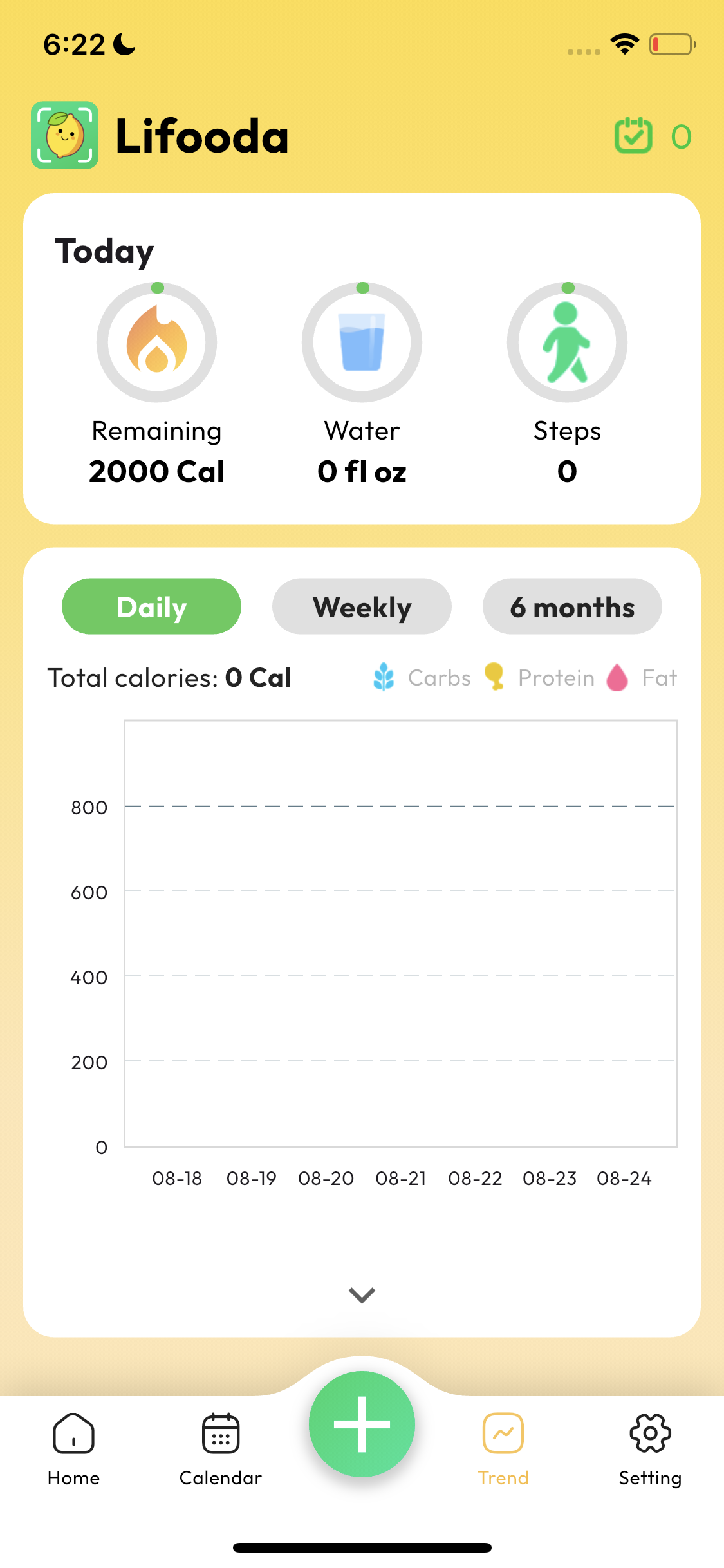
Use calendar and trend views to keep a clearer record of your meals.
One photo and your meal is ready to review.
Capture the meal before you sit down.
Keep a simple record without searching every ingredient.
See how Food AI helps you scan meals, estimate calories, and understand nutrition from a photo.
Scan a meal photo to identify visible foods and review estimated calorie and nutrition information.
Explore AI Food Scanner →
See how Food AI turns a meal photo into an estimated calorie starting point for everyday tracking.
Estimate Calories From a Photo →Learn how Food AI helps you review meal composition and estimated nutrition information from a photo.
Analyze Meal Nutrition →Everything you need to know about food tracking
How accurate is the calorie counting feature in Food AI?
The calorie counting feature in Food AI is designed to provide accurate estimates of the calories in the food items you capture. Using advanced AI algorithms, Food AI analyzes food images and compares them with a vast database of nutritional information. This allows the app to identify the food and provide an estimated calorie count based on the ingredients and portion size.
While the Food AI system is highly reliable, it's important to remember that the accuracy of the calorie count can be influenced by several factors, such as the quality of the photo, lighting conditions, and the variety of food available. Clear and well-lit photos of the food are recommended to improve the accuracy of the recognition and calorie estimation.
Additionally, if the AI makes a mistake or if you're unsure about the results, you can manually adjust the food item and its serving size, allowing for greater precision. Food AI aims to provide a helpful tool for tracking your food intake, but we always encourage users to double-check if you have any doubts.
Why do different food items have different calorie counts for the same type of food?
Even though two food items may appear to be the same type of food, such as two different types of bread or two different kinds of fruits, they can have different calorie counts due to several factors. These include variations in ingredients, portion sizes, and food preparation methods. For example, one type of bread might contain more sugar or fat than another, which can significantly increase the calorie count. The way food is prepared can also make a difference: food that is fried generally contains more calories than food that is baked or steamed.
Are kcal and Calories the same?
Yes, "kcal" and "Calories" refer to the same unit of energy used to measure food. The term "Calorie" is the standard unit used on food packaging to describe the energy content of food, and it is shorthand for kilocalories (kcal).
In scientific terms, 1 Calorie is equivalent to 1 kilocalorie (1 kcal = 1000 calories). When you see "Calories" on a food label, it is the same as "kcal," which is the amount of energy that food provides to your body.
Can Food AI recognize all types of food and drinks?
Food AI is constantly improving its ability to recognize a wide variety of food and beverages, including common meals, snacks, fruits, vegetables and drinks. However, there may be some items that are harder to identify due to factors such as unusual preparation methods, unique ingredients, or the quality of the photo.
In cases where the AI is unsure or doesn't recognize a food item, you can select the correct option manually to ensure accurate calorie tracking. Food AI is always learning and updating its database to improve recognition accuracy over time.
How do I get the best results when taking photos for Food AI?
For optimal food recognition and calorie accuracy, follow these simple tips: Capture photos in natural, bright lighting (avoid dark or blurry images).
Frame the food clearly—fill the screen with the dish (or single food item) and avoid cluttering the background with utensils, napkins, etc.
For mixed meals (e.g., a salad), try to spread ingredients slightly so the AI can identify individual items more easily.
Avoid extreme angles (e.g., overhead shots work best for most dishes) and ensure the food is fully visible (not covered by sauces or toppings that hide key ingredients).
Following these steps helps the AI analyze your food more effectively, leading to more precise calorie and ingredient results.
Is Food AI suitable for people with weight management or fitness goals?
Yes—Food AI is a perfect tool for anyone looking to track calories, manage weight, or support fitness goals (e.g., muscle gain, endurance training).The app’s daily calorie summary and meal logging features help you stay accountable to your targets. Whether you’re looking to lose weight, maintain a healthy lifestyle, or fuel workouts effectively, Food AI simplifies nutrition tracking so you can focus on your goals.