Food recognition from a meal photo
AI Food Scanner
Take a photo of a meal to identify the foods you can see and start a useful food log. Food AI cuts down the repetitive searching, while leaving the final review to you when portions, sauces, or preparation are unclear.
Get Food AI on the App Store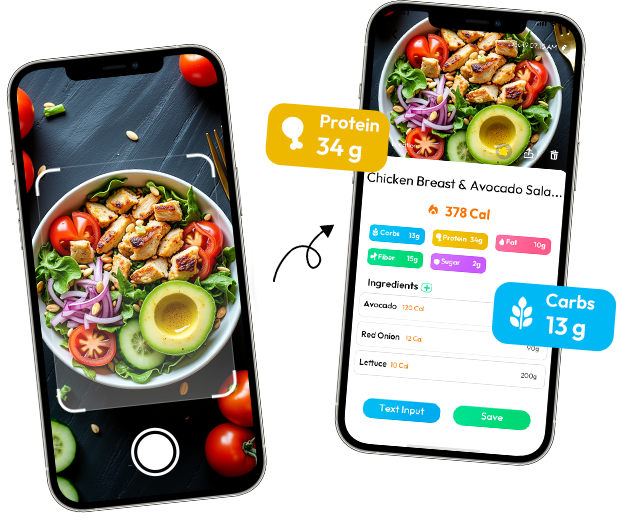
What Is an AI Food Scanner?
An AI food scanner uses a meal photo as the first step in food logging. Instead of searching for every item before you can begin, you show Food AI what is on the plate and review the foods it can identify in the image.
The important distinction is visibility. The scanner can help organize visible foods, meal components, and mixed meals, then provide estimated calorie and nutrition information. It cannot see ingredients hidden under other foods or know every portion detail from a single frame.
Can AI identify food from a picture?
Usually, clear and distinct foods are easier to identify than covered or heavily mixed foods. Food AI works from the visible image: it can organize meal components that appear in the frame, but it cannot confirm hidden ingredients, exact weight, or a sauce beneath the surface with certainty. Treat the first result as a useful food list to review, especially when the plate contains similar-looking foods or a complicated recipe.
How Food AI Scans a Meal
- Take or upload a photoKeep your serving in frame, with enough light to separate the main foods and extras.
- Review visible foodsFood AI organizes the meal components that can be seen, such as rice, chicken, vegetables, or toppings.
- Check the estimateUse the identified foods and nutrition information as a starting point, then correct what the image could not show.
What Food AI Can See in a Meal
Food AI is most useful when the image gives it a clear view of the meal. It can help you review:
- Whole foods shown clearly in the frame
- Visible meal components in a mixed dish
- Several foods photographed together
- Estimated calories and nutrition information based on what is visible
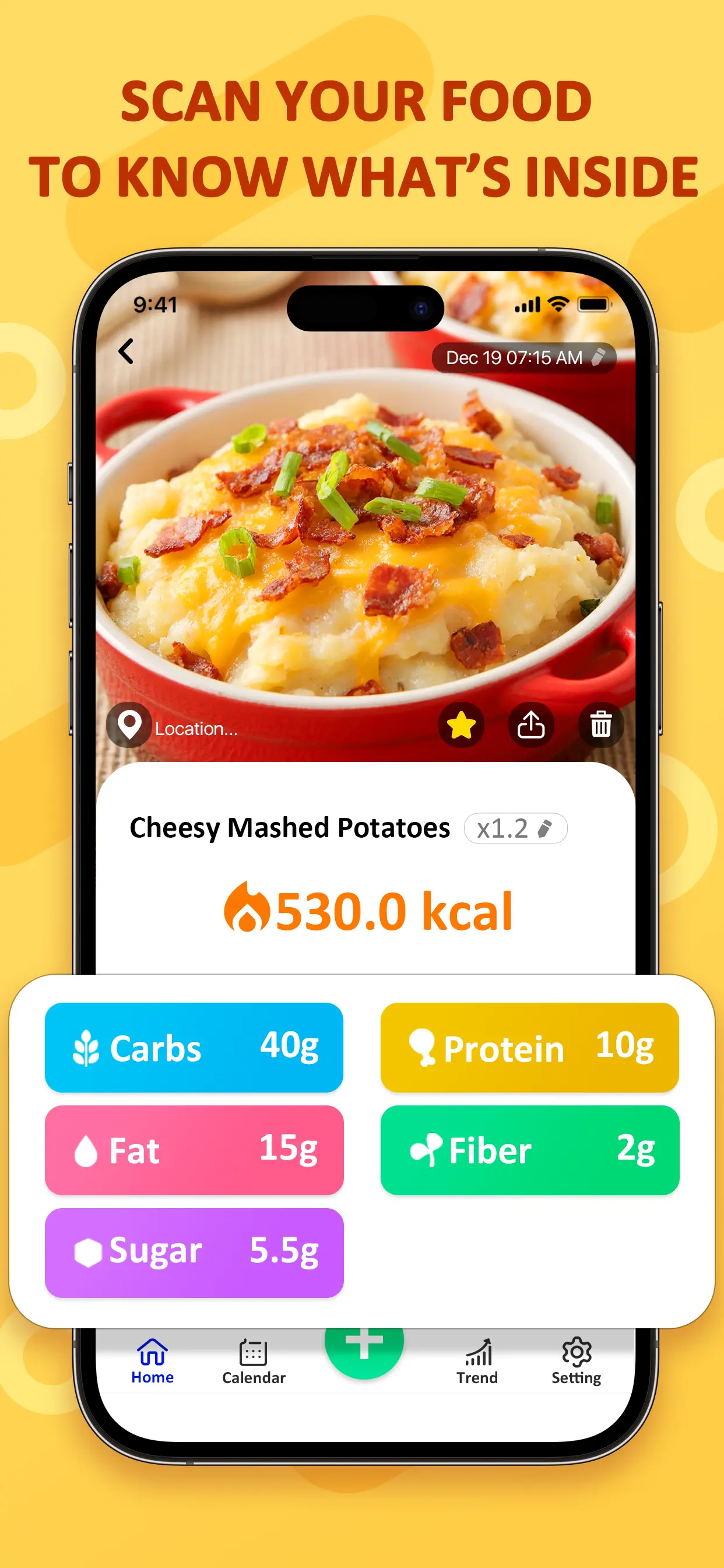
Good Photos vs Difficult Photos
A useful starting photo
Most of the meal is in frame, the food is not heavily covered, and lighting makes the visible components easy to distinguish.
A harder photo to interpret
Dark lighting, a cropped dish, hidden ingredients, sauces, oils, or unclear portions leave less information for a photo-based estimate.
When Is a Food Scanner Useful?
Use a food scanner for a quicker first pass on a home-cooked plate, a restaurant meal, or a mixed meal with several visible foods. It can reduce repetitive searching and give you something concrete to review before saving meal information.
This is most helpful when you know what you ate but do not have a clean ingredient list in front of you. A takeout bowl, a work lunch, or leftovers can be worth logging even when rebuilding every ingredient would make you give up.
Manual entry still has a place when you know details that a photo cannot show. Food AI is a starting point for review, not a replacement for your judgment.
AI Food Scanner FAQ
What is an AI food scanner?
It is a photo-based tool that helps identify visible foods and provides estimated calorie and nutrition information for review.
Can AI identify food from a photo?
Food AI can identify foods and meal components visible in a clear photo. Results depend on what the image shows.
Can it identify mixed meals?
It can help review several visible foods in one image, although hidden ingredients may not be recognized.
What makes a food photo easier to scan?
A clear, well-lit photo with most of the meal in frame gives the scanner more useful visual information.
Can a photo show every ingredient?
No. Hidden ingredients, oils, sauces, cooking details, and exact portions may not be visible from one photo.
Make Meal Tracking Easier With Food AI
Scan a meal photo and review the information in the Food AI app.
Download Food AI